How does it work?
DocSearch setup has three parts: join the DocSearch program, index your content, and add a frontend package or framework integration.
You apply
First, confirm that your website qualifies, then apply for DocSearch. The onboarding flow validates your domain against the program requirements.
If automated validation can't determine eligibility, the application might require a manual review.
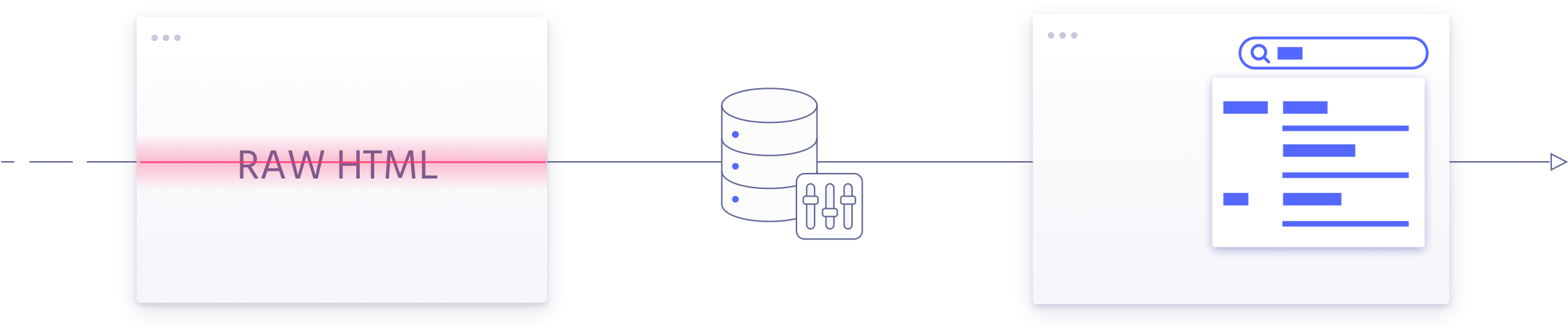
Index your content
After approval, create a dedicated crawler in your Algolia application. Its configuration file defines which URLs to crawl, which URLs to ignore, and which selectors extract your content hierarchy.
Run a test crawl, review the extracted records, and configure recurring crawls. Use the Crawler interface to adjust the configuration as your website changes.
With the Crawler, comes a dedicated interface for you to:
- Start, schedule and monitor your crawls
- Edit and test your crawler configuration
With the Algolia application comes access to the dashboard for you to:
- Browse your index and see how your content is indexed
- Review analytics to understand how search performs
- Trials for other Algolia features
- Team management
Add DocSearch to your website
Choose a DocSearch v5 package or supported framework integration. Configure it with your application ID, Search API key, and index name. The frontend queries the Algolia index and displays the results.
Crawler versions, record schema versions, and frontend package versions are separate. In particular, crawler recordVersion: 'v3' describes the indexed record schema, not the DocSearch UI version. You can upgrade the v5 frontend packages without recreating the crawler. Keep the "Search by Algolia" logo next to your search results.