Legacy crawler interface
This crawler interface is deprecated and no longer maintained. It isn't a DocSearch frontend version. For current instructions, use the Crawler interface guide. Open the current interface at dashboard.algolia.com/crawler.
DocSearch comes with the Algolia Crawler web interface that allows you to configure how and when your Algolia index will be populated.
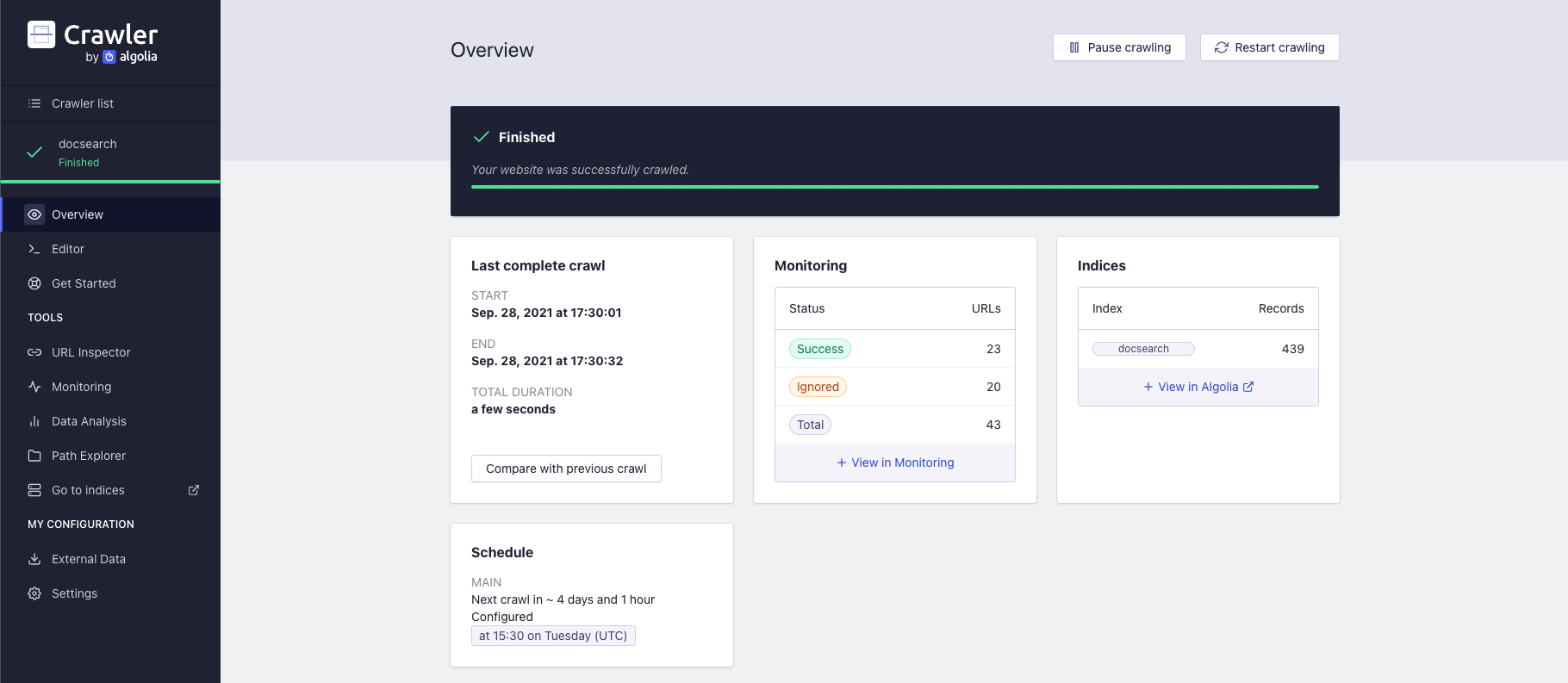
Trigger a new crawl
Head over to the Overview section to start, restart or pause your crawls and view a real-time summary.
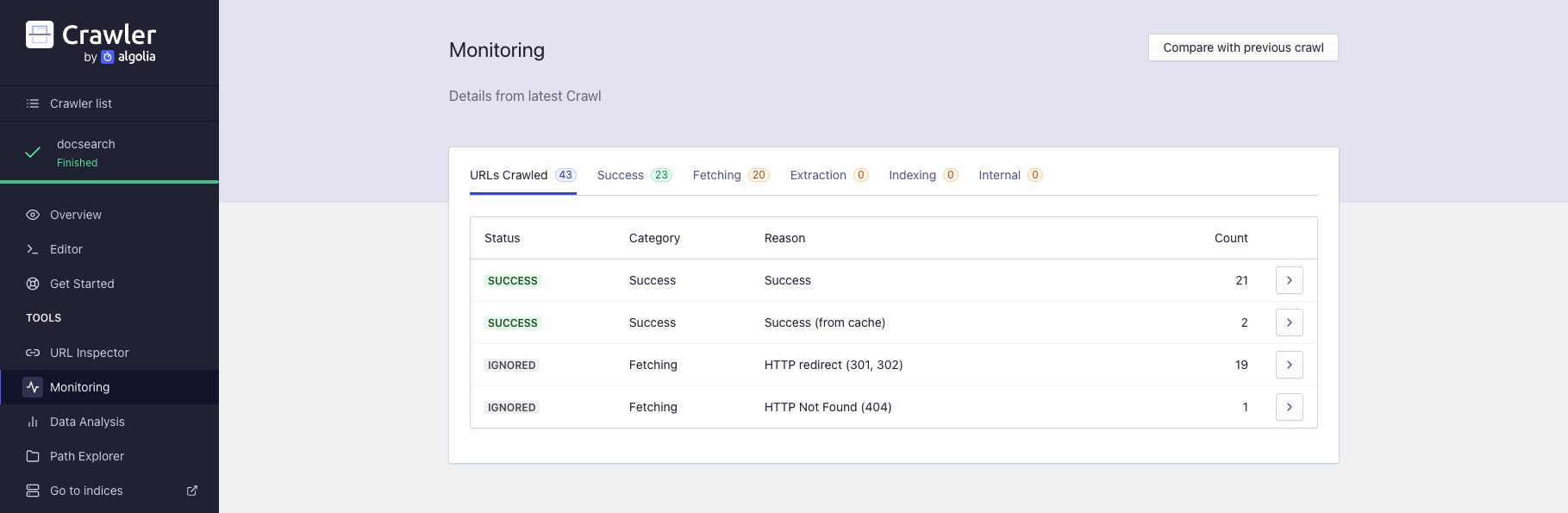
Monitor your crawls
The monitoring section helps you find crawl errors or improve your search results.
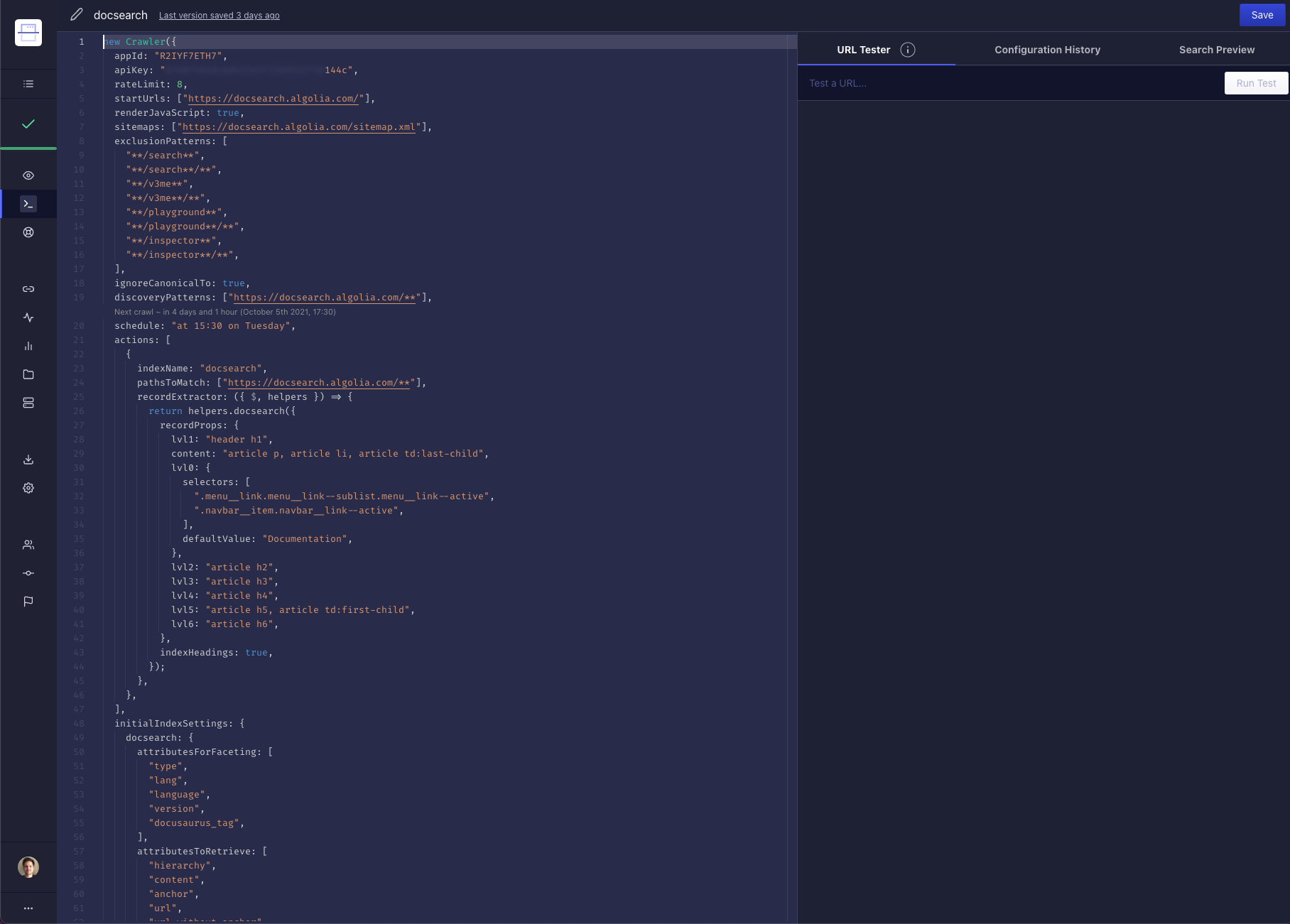
Update your config
The live editor allows you to update your config file and test your URLs (URL tester).
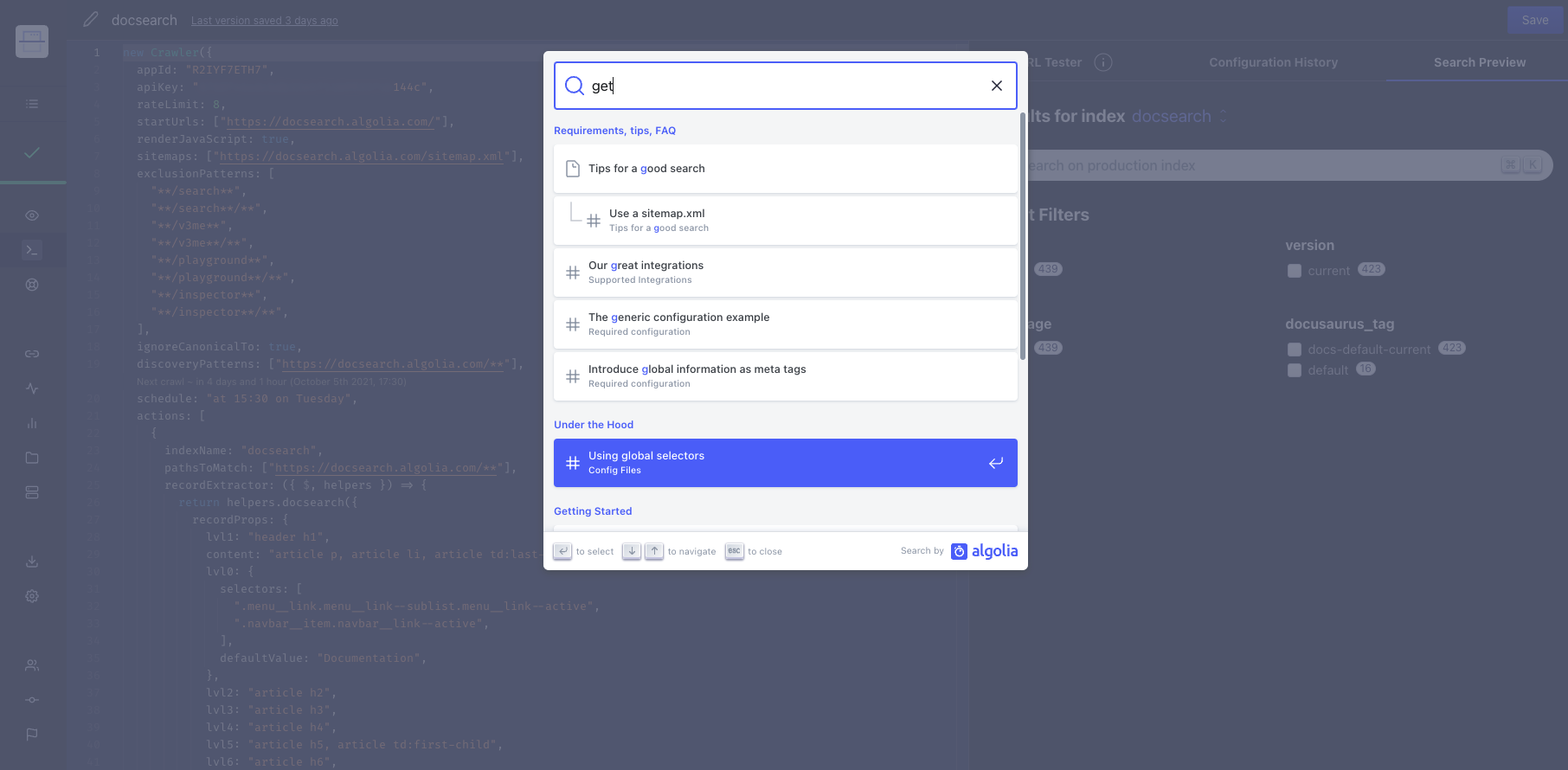
Search preview
The legacy editor's Search preview tab renders results with the historical DocSearch v3 frontend. This preview doesn't require your website to use that frontend version. For current integrations, see the v5 package guides.
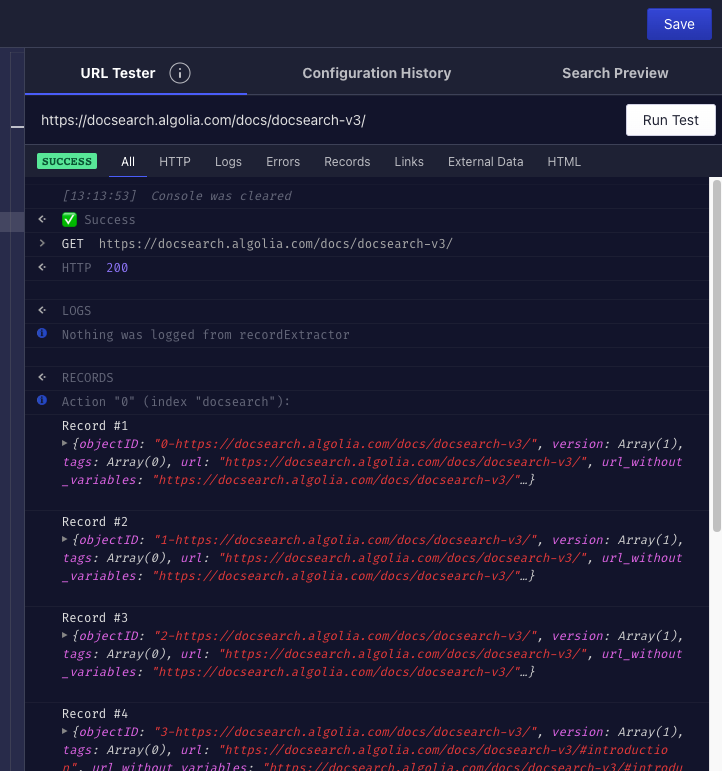
URL tester
From the editor, your can use the URL tester to debug selectors or how we crawl your website.